Docs
Discover and import public tenders
Search supported official sources, inspect the original notice, and import an opportunity without starting analysis automatically.
TenderFaro Editorial Team · 7 min read · Updated 2026-09-30
What discovery does
Discover tenders searches published public procurement notices through TenderFaro's server. TED and UK Find a Tender are currently available. SAM.gov appears as needing configuration until its server credential is present.
Search and filters
Open Discover tenders, choose a source, enter a keyword, and optionally narrow the search by buyer country, CPV category, publication date, or deadline. Submit with Search tenders; TenderFaro does not query on every keystroke.
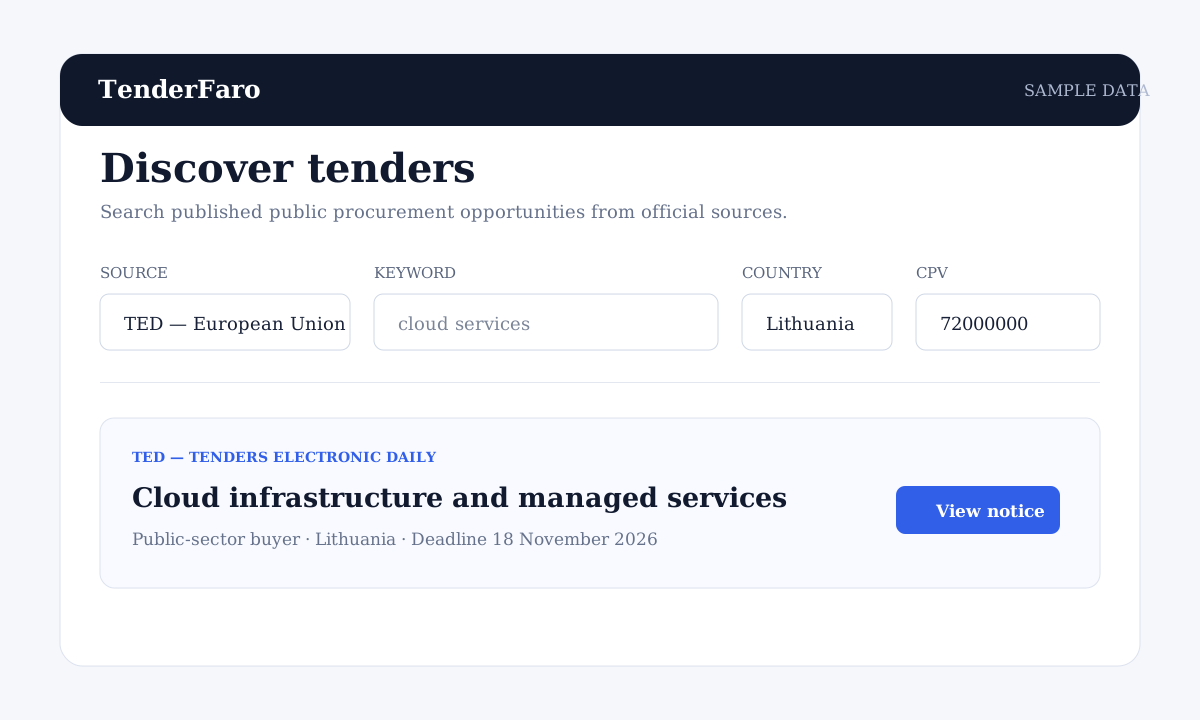
- Use a country code such as LT or DEU where the source supports it.
- Use a CPV code when the procurement category is known.
- An unknown deadline is shown as unavailable rather than guessed.
Review the official source
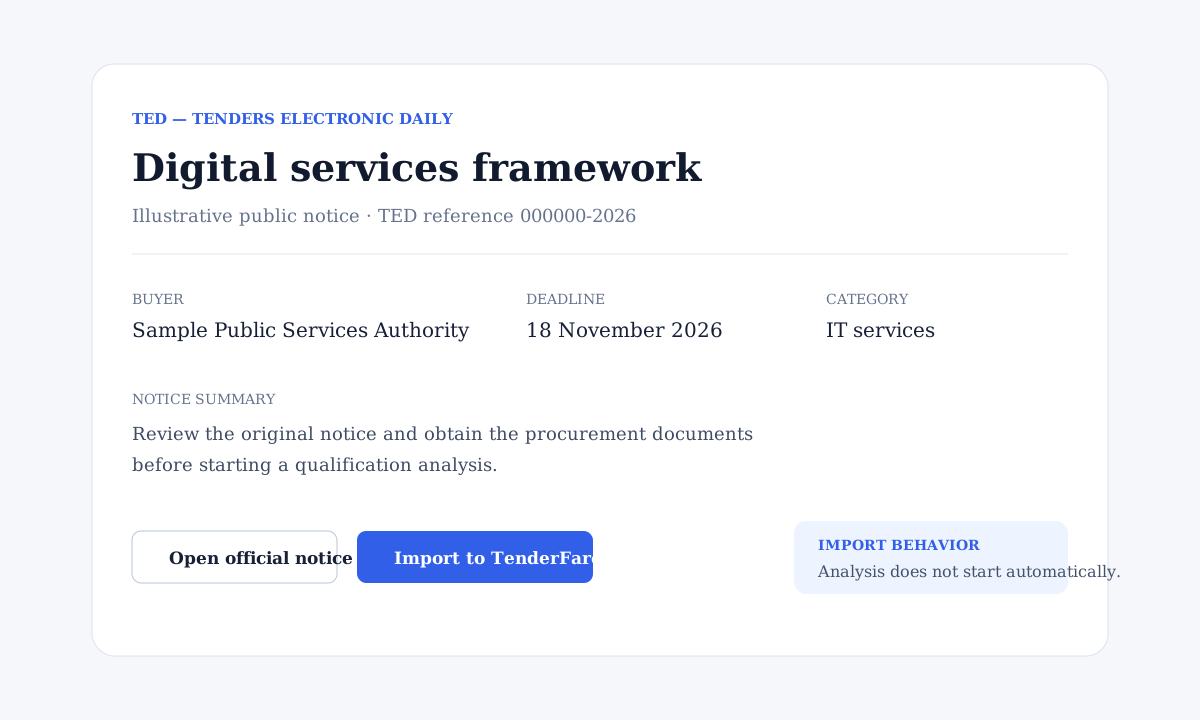
Each result identifies its public source and links to the original notice. A public notice may summarize an opportunity without including the full procurement pack, so review the source and obtain the buyer's documents before qualification.
Import without starting analysis
Select Import to TenderFaro to create a private organization-scoped opportunity. Importing stores useful public metadata and attribution; it does not start AI analysis or fetch arbitrary external documents. A repeated import is blocked and links back to the existing record.
If a provider is unavailable
Try the search again after a short delay. Invalid filters should be adjusted. A missing provider credential is a configuration limitation, while an empty result simply means no matching notice was returned.